
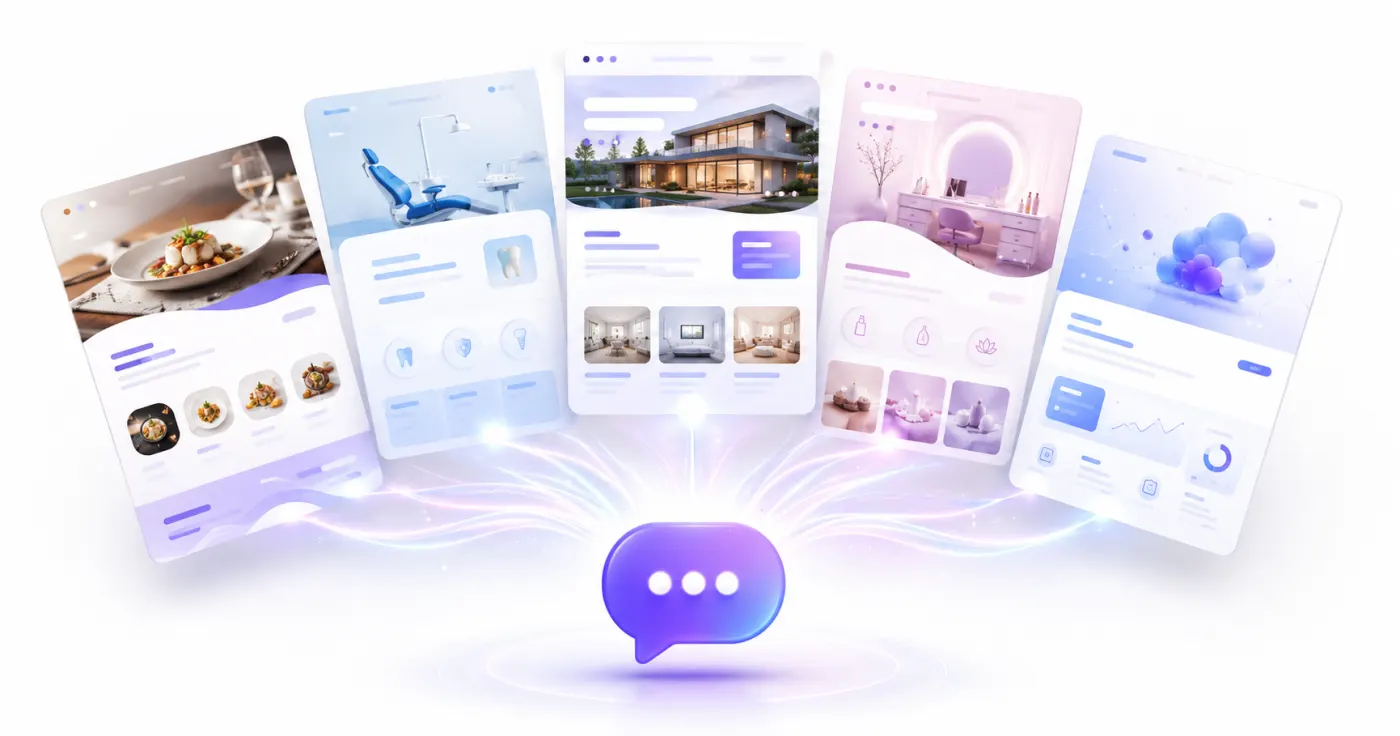
The quality of a website created with AI depends not only on the power of the tool you use, but also on the quality of the instructions you give it.
A short command such as “Build me a beautiful website” gives the AI very little information about your business.
As a result, the generated website may:
- Look generic.
- Fail to reflect what makes your business different.
- Include the wrong pages.
- Be unsuitable for your target audience.
- Fail to emphasize the primary conversion goal.
- Create unnecessary sections.
- Be unclear about which action visitors should take.
To get a better result, you should tell the AI not only which industry you operate in, but also:
- Who you serve,
- Which products or services you offer,
- How you want the brand to look,
- Which pages are required,
- Which action you want visitors to take.
For example, the following prompt is very general:
Create a restaurant website.
The prompt below gives the AI enough context to create a much more accurate website:
Create a website for a modern Italian restaurant in Kadıköy, Istanbul. We serve handmade pasta, wood-fired pizza, and a curated wine menu. Our target audience includes couples, groups of friends, and customers celebrating special occasions. The homepage should feature a large image that showcases the restaurant's atmosphere, featured dishes, a digital menu, an about section, customer reviews, reservations, and location information. Use dark green, cream, and burgundy to create a premium visual style. The main button should say “Book a Table” and lead to the reservation form.
Build a site with this prompt
In this guide, you will find more than 50 website prompt examples that you can copy directly and adapt for different industries and use cases. After writing your prompt, you can also read How to Create a Website with AI and How to Build a Website Without Coding to see the complete process from start to finish.
In brief: A good website prompt clearly defines the business type, target audience, location, services, design style, required pages, and primary conversion goal. The more concrete information you provide, the closer the first generated website will be to what your business actually needs.
What Is a Website Prompt?
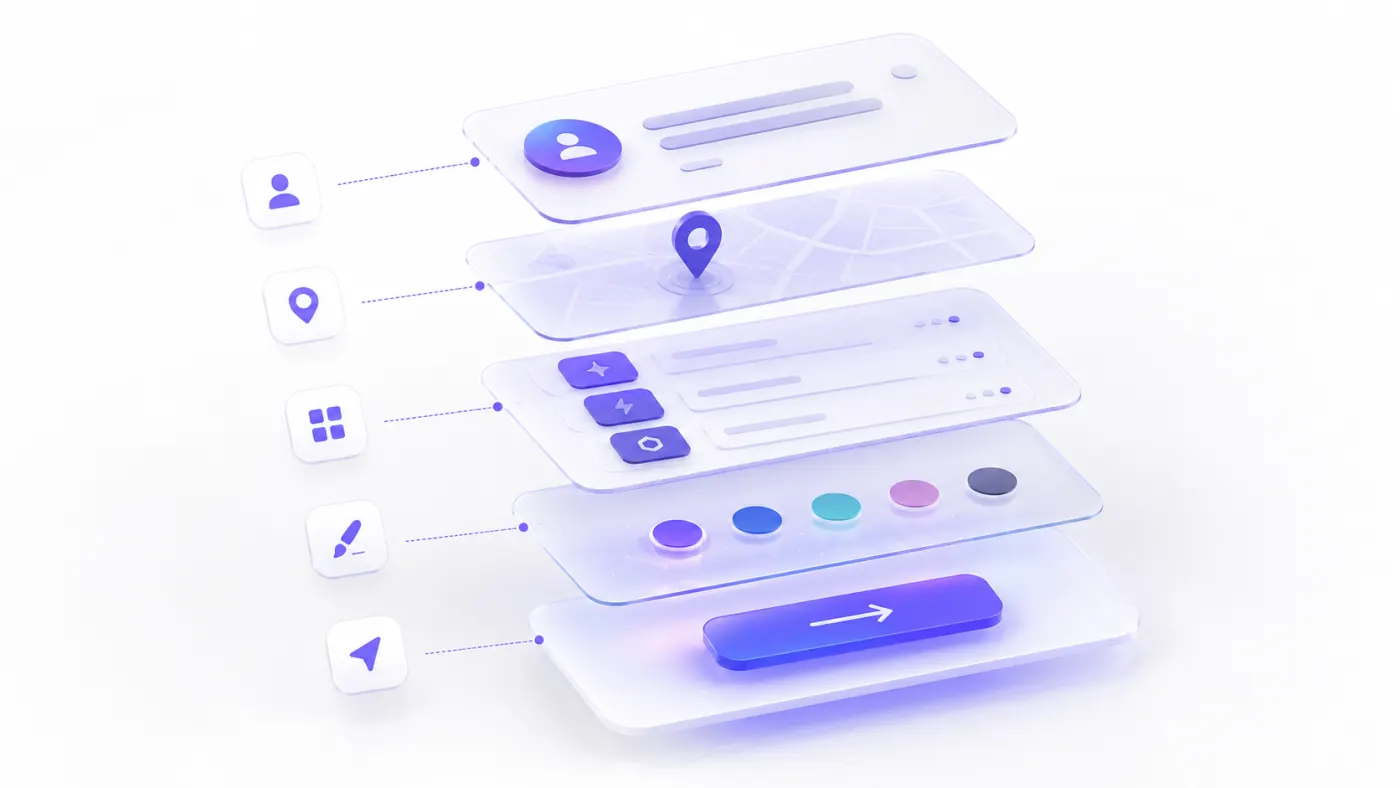
A website prompt is a written instruction that tells an AI system what kind of website you want it to create.
A prompt may include:
- The business name
- The business's industry
- The service location
- The target customer
- Products or services
- Brand personality
- Design style
- Colors
- Required pages
- Homepage sections
- The primary CTA
- Contact method
- Special functionality
- Mobile design expectations
- SEO goals
An AI website builder analyzes the information in the prompt and uses it to create the first version of the website.
For example:
Create a serious, trustworthy, and modern website for a law firm serving corporate companies in Çankaya, Ankara.
Build a site with this prompt
This prompt gives the AI three important pieces of information:
- The business is a law firm.
- It serves clients in Çankaya.
- It targets corporate customers.
However, the following prompt is much more detailed:
Create a corporate website for Atlas Law Firm, which serves companies and entrepreneurs in Çankaya, Ankara. We provide corporate law, commercial law, contract advisory, data protection compliance, and dispute resolution services. The homepage should include practice areas, information about the firm, our lawyers, publications, frequently asked questions, and a consultation request form. Use white, dark navy, and charcoal for a serious and modern appearance. The main button should say “Request a Consultation.”
Build a site with this prompt
The second prompt defines the website's:
- Services,
- Page structure,
- Design direction,
- CTA copy
more clearly.
How to Write a Good Website Prompt
A good prompt reduces the amount of information the AI has to guess.
Answer the following nine questions when preparing your prompt.
1. What is the business name?
Include the brand name.
Example:
Create a website for Nova Pilates.
When the brand name has not yet been decided, you can also ask the AI to use a temporary name or suggest possible names.
2. What does the business do?
Clearly explain the industry and primary service.
Example:
We are a software company that develops mobile applications and web software for corporate clients.
Build a site with this prompt
3. Where does it operate?
Location is especially important for local businesses.
Example:
We serve customers in Ataşehir, Istanbul.
When you operate in multiple cities, you can include each of them.
4. Who is the target customer?
The design and copy should change according to the target audience.
Example:
Our target audience is women aged 25–45 who are interested in healthy living.
5. Which services are offered?
List the main services clearly.
Example:
We offer reformer Pilates, private lessons, prenatal Pilates, and posture analysis.
6. How should the brand look?
Define the brand personality.
Example descriptions:
- Modern
- Premium
- Friendly
- Trustworthy
- Corporate
- Playful
- Minimal
- Technological
- Warm
- Luxurious
- Energetic
- Simple
7. Which pages are required?
Example:
- Home
- About
- Services
- Team
- Blog
- Contact
8. Which action should visitors take?
This is the website's primary conversion goal.
Examples:
- Send a WhatsApp message
- Complete a quote request form
- Book an appointment
- Make a reservation
- Purchase a product
- Start a free trial
- Download the application
9. What should the main button say?
Define the CTA copy clearly.
Examples:
- Get a Free Quote
- Book an Appointment
- Book a Table
- View the Menu
- Tell Us About Your Project
- Try for Free
- View the Portfolio
- Request a Free Site Visit
Website Prompt Template
Copy the template below and fill it in for your own business.
Create a [business type] website for [business name].

The business serves customers in [location].

Our target audience is [target customer profile].

Our main products or services are:
- [Service 1]
- [Service 2]
- [Service 3]
- [Service 4]

Our brand should look [brand personality].

Use a [design style] design with [colors].

The website should include the following pages:
- [Page 1]
- [Page 2]
- [Page 3]
- [Page 4]

The homepage should include these sections:
- [Section 1]
- [Section 2]
- [Section 3]
- [Section 4]

The primary conversion goal should be [desired action].

The main button should say “[CTA copy]” and lead to [target link or contact channel].

The website should be responsive, fast, and allow SEO settings to be edited.
Short prompt template
For a shorter instruction, use this format:
Create a [design style] website for a [business type] serving customers in [location]. We offer [services]. The homepage should include [sections]. The primary CTA should be “[CTA copy]” and collect conversions through [contact method].
Comparing Bad and Good Website Prompts
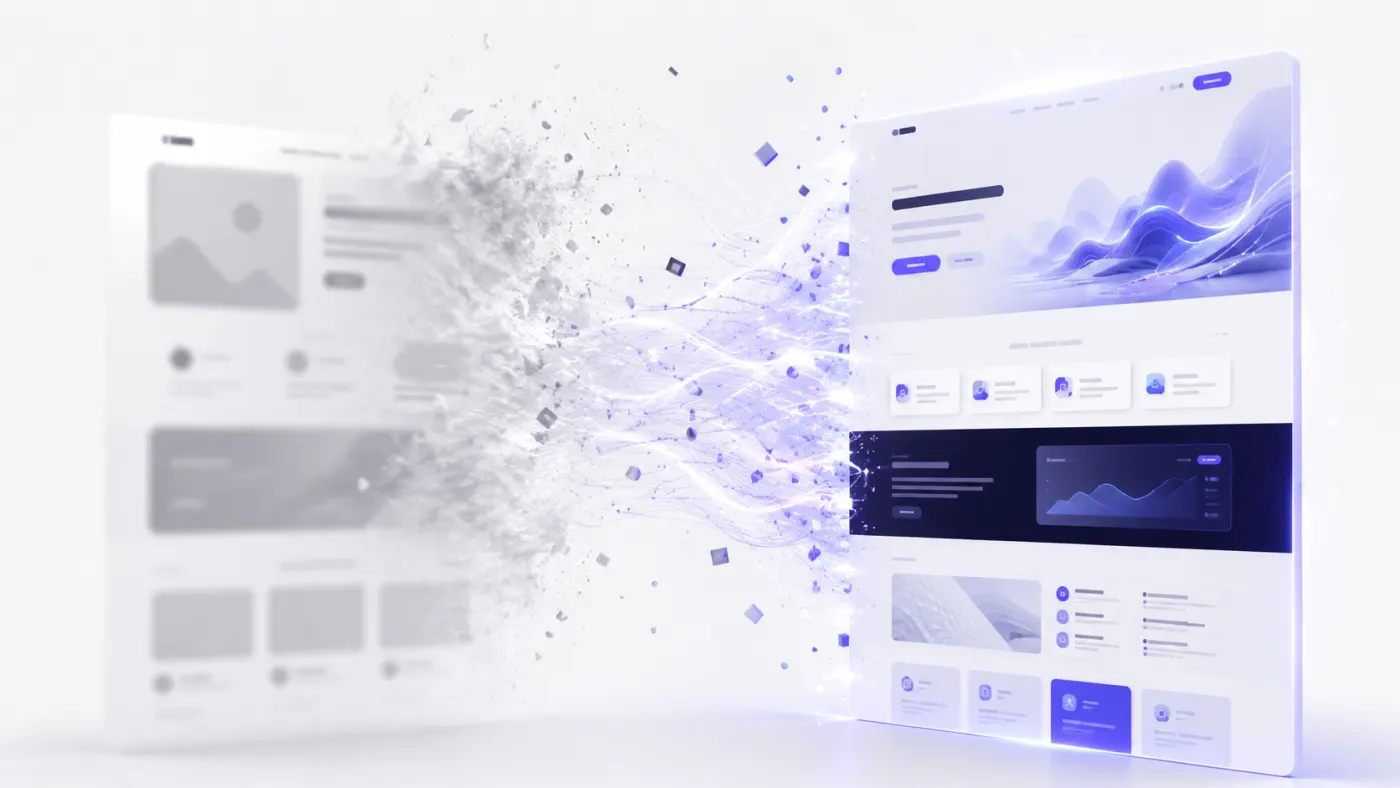
Restaurant
Bad prompt
Build a restaurant website.
Good prompt
Create a website for a modern Turkish restaurant serving families and groups of friends in Nilüfer, Bursa. We offer grilled dishes, daily home-style meals, olive-oil dishes, and traditional desserts. The homepage should include a large restaurant image, featured dishes, a digital menu, an about section, customer reviews, opening hours, a map, and a reservation section. Use cream, dark green, and warm wood tones. The primary button should say “View the Menu,” and a secondary button should lead to WhatsApp reservations.
Build a site with this prompt
Beauty salon
Bad prompt
Build a beautiful website for a beauty center.
Good prompt
Create a modern website for a premium beauty salon serving women in Ataşehir, Istanbul. We offer skincare, laser hair removal, permanent makeup, and body contouring. The homepage should include services, campaigns, salon photos, our expert team, customer reviews, frequently asked questions, and a WhatsApp contact section. Use white, light beige, and elegant pink tones to create a premium appearance. The main button should say “Get a Free Consultation.”
Build a site with this prompt
Software company
Bad prompt
Build a software company website.
Good prompt
Create a modern website for a technology company that develops mobile applications, web software, and AI integrations for corporate clients. The homepage should include a strong value proposition, services, the development process, selected projects, technologies used, customer reviews, frequently asked questions, and a quote request form. Use a white background with blue and purple aurora details. The main button should say “Tell Us About Your Project.”
Build a site with this prompt
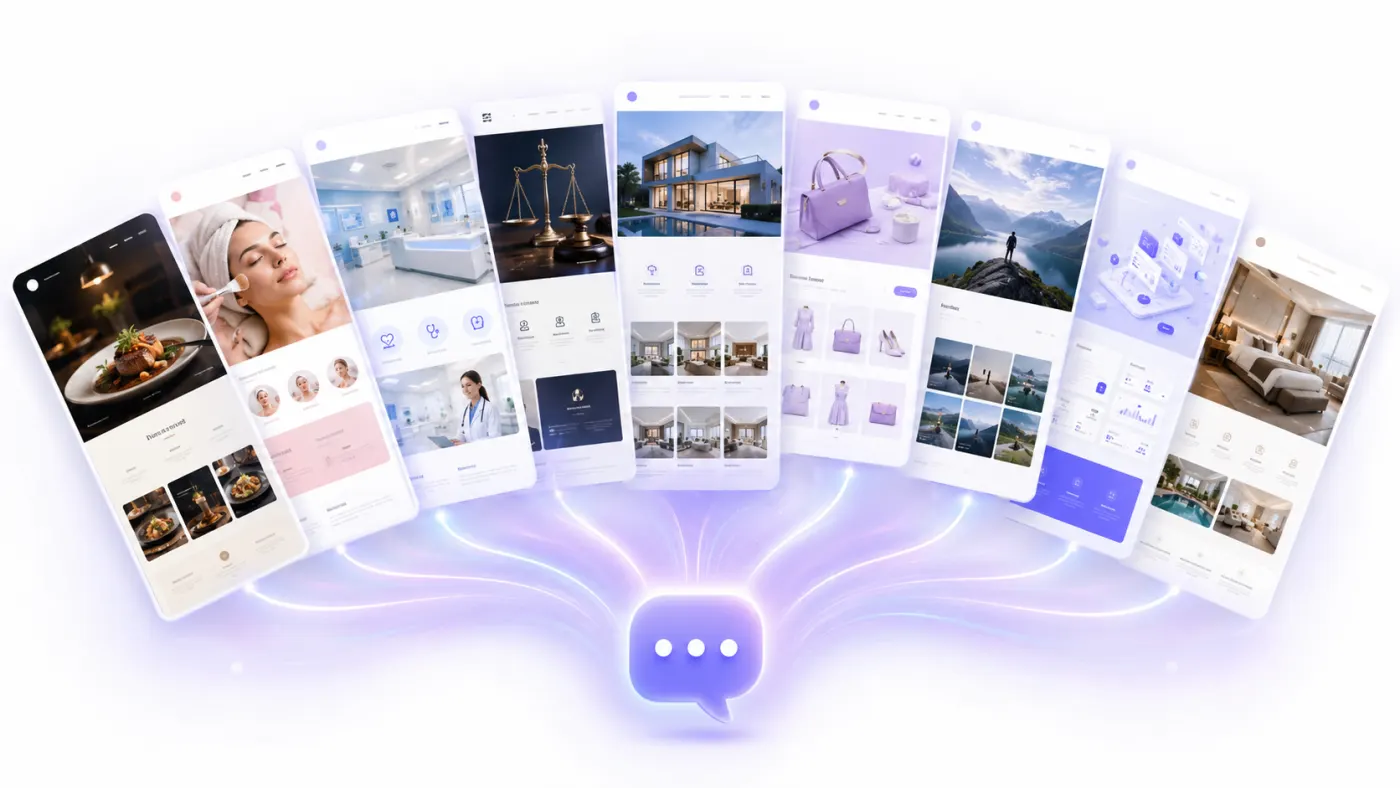
Prompts by Industry and Use Case
Restaurant Website Prompt Examples
1. Modern restaurant
Create a premium website for a modern Italian restaurant in Kadıköy, Istanbul.

We offer handmade pasta, wood-fired pizza, risotto, and a curated wine menu.

Our target audience includes couples, groups of friends, and customers celebrating special occasions.

The homepage should include:
- A large image showing the restaurant atmosphere
- Featured dishes
- A digital menu
- Our chef's story
- Customer reviews
- A gallery
- Reservations
- Location information

Use dark green, cream, and burgundy for a modern and premium appearance.

The main button should say “Book a Table” and lead to the reservation form.
2. Modern Turkish tavern
Create a website for a modern Turkish tavern in Çankaya, Ankara.

We offer cold meze, hot appetizers, seafood, and live traditional music nights.

The website should combine warm, welcoming, and traditional textures with a modern design.

The homepage should include the menu, weekly events, a gallery, an about section, customer reviews, reservations, and a map.

Use dark navy, cream, and copper tones.

The primary CTA should be “Book a Table.”
3. Coffee shop
Create a website for a specialty coffee shop in Moda, Istanbul, serving university students, freelancers, and coffee enthusiasts.

We offer specialty coffee, fresh daily desserts, breakfast, and a workspace.

The homepage should include the menu, our coffee beans, venue photos, events, opening hours, and location information.

Use warm beige, coffee brown, and dark green for a minimal appearance.

The main button should say “View the Menu.”
4. Fast-food restaurant
Create an energetic, conversion-focused website for a burger restaurant operating in Istanbul.

We offer smash burgers, chicken burgers, fries, and drink menus.

The homepage should include campaigns, best-selling products, the menu, customer reviews, branches, and an online ordering button.

Use red, yellow, and dark charcoal for a youthful and energetic appearance.

The primary CTA should be “Order Now.”
5. Digital QR menu
Create a mobile-first digital QR menu for a seafood restaurant by the coast.

Menu categories:
- Cold meze
- Hot appetizers
- Fish
- Salads
- Desserts
- Drinks

Each item should include a name, short description, price, and image area.

Use white, light blue, and navy for a fresh appearance.

The menu should load quickly on mobile devices and make it easy to switch between categories.
Beauty Salon and Hairdresser Website Prompts
6. Beauty salon
Create a website for a premium beauty salon serving women in Ataşehir, Istanbul.

We offer skincare, laser hair removal, permanent makeup, and body contouring services.

The homepage should include:
- A strong main headline
- Services
- Campaigns
- Our expert team
- Salon photos
- Customer reviews
- Frequently asked questions
- A WhatsApp contact section

Use white, beige, and elegant pink for a premium appearance.

The primary CTA should be “Get a Free Consultation.”
7. Women's hair salon
Create a modern and premium website for a women's hair salon in Alsancak, Izmir.

We offer haircuts, balayage, coloring, keratin treatments, and professional makeup services.

The homepage should include services, our work, the team, starting prices, customer reviews, and an appointment section.

Use black, white, and gold details.

The main button should say “Book an Appointment” and lead to WhatsApp.
8. Men's barber shop
Create a website for a modern barber shop serving young and professional men in Nilüfer, Bursa.

We offer haircuts, beard styling, skincare, and wedding grooming services.

The homepage should include services, prices, the team, a gallery, customer reviews, opening hours, and online booking.

Use dark charcoal, black, and copper for a masculine and premium appearance.

The primary CTA should be “Book an Appointment.”
9. Nail art studio
Create an aesthetic, social-media-focused website for a nail art studio in Nişantaşı, Istanbul.

We offer nail extensions, gel polish, nail art, and manicure services.

The homepage should include an Instagram-style work gallery, services, starting prices, campaigns, customer reviews, and a WhatsApp booking section.

Use light pink, white, and lilac for a modern appearance.

The main button should say “Choose Your Design.”
Clinic and Healthcare Website Prompts
Healthcare copy must not include guaranteed outcomes, absolute claims, or misleading treatment promises.
Build a site with this prompt
10. Dental clinic
Create a bright and trustworthy website for a modern dental clinic in Ataşehir, Istanbul.

We offer dental implants, orthodontics, smile design, pediatric dentistry, and teeth whitening.

The homepage should include treatments, our dentists, clinic photos, the treatment process, patient reviews, frequently asked questions, and online appointment booking.

Use white, light blue, and navy for a professional appearance.

The primary CTA should be “Book an Appointment.”

Do not use statements that guarantee medical success or treatment outcomes.
11. Psychologist website
Create a simple, calm, and trustworthy website for a psychologist who offers in-person and online therapy in Kadıköy, Istanbul.

I work with individual therapy, couples therapy, anxiety, stress, and relationship difficulties.

The homepage should include areas of practice, an about section, the therapy process, frequently asked questions, online therapy information, and an appointment request form.

Use light beige, soft green, and white for a calm appearance.

The main button should say “Request an Appointment.”

Do not use statements that promise guaranteed treatment outcomes or health results.
12. Dietitian website
Create a modern website for a dietitian offering in-person and online nutrition consulting in Ankara.

I offer weight management, sports nutrition, pregnancy nutrition, and online consulting services.

The homepage should include services, the consulting process, an about section, client reviews, sample recipes, a blog, and a consultation form.

Use white, light green, and natural beige for a fresh appearance.

The primary CTA should be “Book a Free Introductory Consultation.”
13. Aesthetic clinic
Create a corporate website for a premium medical aesthetics clinic in Istanbul.

We offer skin rejuvenation, botulinum toxin treatments, dermal fillers, and laser applications.

The homepage should include treatments, our doctors, information about the clinic, the process, frequently asked questions, and a preliminary consultation form.

Use white, beige, and dark navy for a premium and trustworthy appearance.

The primary CTA should be “Request a Consultation.”

Do not use unrealistic results, guarantees, or misleading before-and-after claims.
14. Veterinary clinic
Create a warm and trustworthy website for a veterinary clinic in Nilüfer, Bursa.

We offer examinations, vaccinations, surgery, laboratory services, pet grooming, and emergency care.

The homepage should include services, our veterinarians, clinic photos, frequently asked questions, opening hours, emergency contact details, and a map.

Use white, turquoise, and soft yellow for a friendly appearance.

The main button should say “Book an Appointment.”
Lawyer and Consultant Website Prompts
15. Law firm
Create a trustworthy corporate website for a law firm serving companies and entrepreneurs in Istanbul.

We provide corporate law, commercial law, contract advisory, data protection consulting, and dispute resolution services.

The homepage should include practice areas, information about the firm, our lawyers, publications, frequently asked questions, and a consultation request form.

Use white, charcoal, and dark navy for a serious and modern appearance.

The primary CTA should be “Request a Consultation.”
16. Certified public accountant
Create a corporate website for an accounting office serving SMEs and entrepreneurs in Şişli, Istanbul.

We provide company formation, accounting, payroll, tax consulting, and incentive consulting services.

The homepage should include services, who we work with, the working process, frequently asked questions, a blog, and a contact form.

Use white, navy, and light gray for a trustworthy and organized appearance.

The main button should say “Free Initial Consultation.”
17. Management consultant
Create a personal brand website for a management consultant who provides growth, sales, and operations consulting to SMEs.

The homepage should include a strong expertise statement, services, working method, success stories, client reviews, content, and a consultation request section.

Use white, dark blue, and orange accents for a modern appearance.

The primary CTA should be “Schedule a Strategy Call.”
18. Human resources consultancy
Create a corporate website for a firm that provides recruitment and human resources consulting to technology companies.

Our services:
- Technical recruitment
- Executive search
- Employer branding
- HR process consulting

The homepage should include services, industries, the recruitment process, a section for verifiable success metrics, customer reviews, and a quote request form.

The design should look modern, corporate, and people-focused.

The primary CTA should be “Submit a Recruitment Request.”
Real Estate Website Prompts
19. Real estate advisor
Create a premium website for a real estate advisor specializing in luxury homes and investment consulting in Antalya.

Our target audience includes investors from Türkiye and abroad.

The homepage should include featured listings, neighborhoods, investment opportunities, information about the advisor, customer reviews, and a contact form.

Use black, white, and gold for a modern appearance.

The primary button should say “View the Portfolio,” and the secondary button should say “Get Investment Advice.”
20. Real estate agency
Create a website for a real estate agency offering residential, office, and commercial property consulting in Ataşehir, Istanbul.

The homepage should include properties for sale, properties for rent, new developments, neighborhoods, our advisors, customer reviews, and a valuation request form.

Each listing should include the price, location, number of rooms, floor area, and an image gallery.

Use white, dark navy, and turquoise for a professional appearance.

The primary CTA should be “Browse Listings.”
21. Property development sales page
Create a conversion-focused landing page for a premium residential development launching in Istanbul.

The page should include:
- The main project visual
- Apartment types
- Social amenities
- Location advantages
- Project gallery
- Floor plans
- Delivery date
- Frequently asked questions
- Contact form

Use a luxurious, simple, and trustworthy design.

The main button should say “Get the Price List.”
Software Company Website Prompts
22. Software company
Create a modern website for a software company that develops mobile applications, web software, and AI integrations for corporate clients.

The homepage should include:
- A strong value proposition
- Services
- Industries
- Development process
- Selected projects
- Technologies used
- Customer reviews
- Frequently asked questions
- Quote request form

Use a white background with blue and purple aurora details.

The main button should say “Tell Us About Your Project.”
23. Mobile app development company
Create an SEO- and conversion-focused website for a software company that develops iOS and Android mobile applications for corporate companies in Türkiye.

The homepage should cover mobile app development, React Native, backend development, UI/UX, maintenance, and AI integration services.

Include reference projects, the development process, the pricing approach, customer reviews, and a quote request form.

Use a modern, trustworthy, and corporate design.

The primary CTA should be “Get a Mobile App Quote.”
24. Cybersecurity company
Create a serious and technological website for a company offering cybersecurity consulting to corporate clients.

We provide penetration testing, security assessments, SOC consulting, cloud security, and employee awareness training.

The homepage should include services, methodology, certifications, industries, case studies, and a consultation form.

Use a dark navy background with blue and green light details.

The primary CTA should be “Request a Security Assessment.”
25. AI consultancy
Create a modern website for a consulting firm that develops generative AI solutions, automation systems, and custom AI assistants for companies.

The homepage should include AI consulting, process automation, custom chatbot, data analysis, and corporate training services.

Add use cases, the working process, success stories, frequently asked questions, and a project form.

Use white, black, and purple aurora colors for a premium appearance.

The primary CTA should be “Tell Us About Your AI Project.”
E-Commerce Website Prompts
26. Skincare brand
Create an online store for a premium e-commerce brand selling natural and vegan skincare products.

Product categories:
- Cleansers
- Serums
- Moisturizers
- Sunscreens
- Sets

The homepage should include best-selling products, categories, the brand story, the ingredient philosophy, user reviews, campaigns, and an email subscription section.

Use cream, light green, and earthy tones for a natural and premium appearance.

The primary CTA should be “Explore Products.”
27. Jewelry brand
Create a premium e-commerce website for a women-focused brand selling handmade silver and gold-plated jewelry.

The homepage should include the new collection, best sellers, categories, the brand story, a gift guide, customer reviews, and an Instagram gallery.

Use white, light beige, and gold details for a simple and luxurious appearance.

The main button should say “Explore the Collection.”
28. Sportswear brand
Create a modern website for a dynamic e-commerce brand selling women's and men's sportswear.

Product categories:
- Leggings
- T-shirts
- Sweatshirts
- Shorts
- Accessories

The homepage should include the new season, best sellers, women, men, campaigns, athlete content, and user reviews.

Use black, white, and electric blue for an energetic appearance.

The primary CTA should be “Start Shopping.”
29. Boutique clothing store
Create a mobile-first e-commerce website for a women's fashion boutique that currently sells through Instagram.

Include dress, tops, bottoms, matching sets, and accessories categories.

The homepage should include new arrivals, best sellers, styling suggestions, campaigns, and a WhatsApp support section.

Use white, beige, and brown tones for a modern and feminine appearance.

The primary CTA should be “View New Arrivals.”
30. Digital product sales
Create a sales website for a personal brand selling Notion templates, e-books, and digital marketing courses to entrepreneurs.

The homepage should include digital products, courses, free resources, an about section, customer reviews, frequently asked questions, and an email subscription form.

Use white, purple, and vivid blue for a modern appearance.

The main button should say “Browse Products.”
Portfolio Website Prompts
31. Developer portfolio
Create a modern portfolio website for a software developer specializing in React Native and Laravel.

The homepage should include:
- A short introduction
- Areas of expertise
- Selected projects
- Experience
- Technologies
- GitHub link
- Contact form

Use a dark-mode, minimal, and technological design.

The primary CTA should be “View My Projects.”
32. Graphic designer portfolio
Create a visually focused portfolio website for a graphic designer specializing in brand identity and social media design.

The homepage should include selected projects, brand identity work, social media designs, the working process, an about section, and a project request form.

Use large visuals, simple typography, and subtle animations.

Use a white background with black and red accents.

The primary CTA should be “Let's Work Together.”
33. Photographer portfolio
Create a premium portfolio website for a professional photographer specializing in weddings, fashion, and portraits.

The homepage should include a large full-screen photograph, portfolio categories, an about section, packages, customer reviews, and a contact form.

Use black, white, and simple typography.

Keep the focus on the images and avoid unnecessary copy.

The primary CTA should be “Request a Shoot.”
34. Architecture portfolio
Create a minimal portfolio website for an architecture firm developing residential, office, and interior design projects.

The homepage should include selected projects, services, the design approach, the team, publications, and a contact section.

Present projects with large images, project location, year, floor area, and a short description.

Use white, light gray, and black for a simple architectural appearance.

The primary CTA should be “View Projects.”
SaaS and Startup Website Prompts
35. SaaS landing page
Create a conversion-focused landing page for a SaaS product that provides AI-powered income and expense tracking for small businesses.

The homepage should include:
- A strong hero section
- Product screenshots
- Key features
- Receipt scanning
- Use cases
- Pricing
- Customer reviews
- Frequently asked questions
- A free-trial CTA

Use a white background with blue and purple aurora details.

The main button should say “Try for Free.”
36. CRM product
Create a modern website for a SaaS product offering an easy-to-use CRM for SMEs.

Product features:
- Customer management
- Sales opportunities
- Quote tracking
- Tasks
- Reporting
- Automation

The homepage should include a product overview, features, use cases, integrations, pricing, customer reviews, and a free-trial section.

The primary CTA should be “Start a 14-Day Free Trial.”
37. Mobile app landing page
Create a promotional website for a mobile application that helps users find nearby service professionals.

The homepage should explain how the application solves the problem and include key features, screenshots, benefits for customers and professionals, frequently asked questions, and app download buttons.

Use a modern, trustworthy, and mobile-app-focused design.

The primary CTA should be “Download the App.”
38. Startup waitlist page
Create a waitlist landing page for an AI-powered business management platform that has not yet launched.

The page should include:
- A strong value proposition
- The problem the product solves
- Key features
- Target users
- Product previews
- Early-access benefits
- Email waitlist form
- Frequently asked questions

The primary CTA should be “Join Early Access.”
Hotel and Tourism Website Prompts
39. Boutique hotel
Create a premium website for a 12-room boutique hotel in Alaçatı.

The hotel offers stone architecture, a special breakfast, a pool, and a peaceful holiday experience.

The homepage should include rooms, hotel amenities, breakfast, a gallery, things to do nearby, customer reviews, location information, and reservations.

Use white, light blue, and natural stone tones for a bright appearance.

The primary CTA should be “Find a Room.”
40. Tour company
Create a multilingual website for a tour company organizing daily tours and hot-air balloon experiences in Cappadocia.

The homepage should include tours, the balloon experience, packages, a gallery, customer reviews, frequently asked questions, and WhatsApp reservations.

Use warm earthy tones and sunrise colors.

The primary CTA should be “Book a Tour.”
41. Villa rental
Create a reservation-focused website for a business renting luxury holiday villas in the Kaş region of Antalya.

The homepage should include featured villas, areas, villa features, availability search, customer reviews, and a support section.

Each villa detail page should include the price, capacity, number of rooms, pool information, amenities, a gallery, and a booking button.

Use white, turquoise, and sand tones for a premium appearance.

The primary CTA should be “Find an Available Villa.”
Education Website Prompts
42. Online education platform
Create a modern website for an online education platform offering software, design, and digital marketing courses.

The homepage should include featured courses, categories, instructors, student reviews, success stories, pricing, and a membership section.

Use dark navy, purple, and vivid blue for a technological appearance.

The primary CTA should be “Browse Courses.”
43. Private tutor
Create a personal website for a teacher providing online private mathematics lessons to high-school students.

The homepage should include lesson topics, who the lessons are suitable for, information about the teacher, the learning system, student reviews, frequently asked questions, and a free introductory lesson form.

Use white, blue, and yellow for a friendly and trustworthy appearance.

The primary CTA should be “Book a Free Introductory Lesson.”
44. Language school
Create a website for a language school offering in-person and online English education in Istanbul.

We offer General English, Business English, exam preparation, and English for children.

The homepage should include programs, a placement test, instructors, student reviews, campaigns, and a registration form.

The primary CTA should be “Take a Free Placement Test.”
Construction and Architecture Website Prompts
45. Construction company
Create a corporate website for a construction company developing residential, villa, and commercial building projects in Istanbul.

The homepage should include ongoing projects, completed projects, information about the company, quality standards, business partners, and a contact form.

Use white, dark navy, and gold details for a corporate and trustworthy appearance.

The primary CTA should be “View Projects.”
46. Interior design studio
Create a visually focused website for a design studio providing residential, office, and retail interior design services in Istanbul.

The homepage should include selected projects, services, the design process, the team, customer reviews, and a project request form.

Use large project images and minimal typography.

Use white, light gray, and natural wood colors for a premium appearance.

The primary CTA should be “Tell Us About Your Project.”
47. Custom furniture manufacturer
Create a modern website for Atölye Meşe, a custom furniture manufacturer in Bursa.

We provide kitchens, walk-in closets, TV units, bathroom cabinets, and custom furniture services.

The homepage should include services, completed projects, the working process, material options, customer reviews, and a free site-visit request form.

Use light beige, dark brown, and white for a natural and premium appearance.

The primary CTA should be “Request a Free Site Visit.”
Local Service Business Prompts
48. Cleaning company
Create a website for a company offering corporate cleaning services in Şişli, Istanbul.

We provide office cleaning, factory cleaning, post-construction cleaning, and scheduled cleaning services.

The homepage should include services, why choose us, the working process, references, customer reviews, frequently asked questions, and a free quote form.

Use white, blue, and light gray for a clean and professional appearance.

The primary CTA should be “Get a Free Quote.”
49. Auto repair shop
Create a website for an independent auto repair shop in Ümraniye, Istanbul.

We provide scheduled maintenance, engine, brake, electrical, air-conditioning, and fault-diagnosis services.

The homepage should include services, vehicle brands, the service process, customer reviews, opening hours, a map, and WhatsApp appointment booking.

Use dark gray, red, and white for a strong appearance.

The primary CTA should be “Book a Service Appointment.”
50. Moving company
Create a conversion-focused website for a company offering residential and corporate moving services in Istanbul.

Services:
- Residential moving
- Office relocation
- Intercity moving
- Furniture-lift moving
- Storage

The homepage should include services, the moving process, vehicles, customer reviews, frequently asked questions, and a quick quote form.

The primary CTA should be “Get a Free Moving Quote.”
51. Electrician
Create a mobile-first website for an electrician serving homes and businesses in Ataşehir, Istanbul.

We provide electrical fault repair, circuit-breaker replacement, lighting, socket installation, and emergency services.

The homepage should include services, service areas, why choose us, customer reviews, opening hours, and a tap-to-call button.

Use yellow, black, and white for a clear and trustworthy appearance.

The primary CTA should be “Call Now.”
52. Event planning company
Create a visually focused website for a company organizing weddings, engagement parties, corporate events, and birthday celebrations in Istanbul.

The homepage should include event types, previous events, packages, the working process, customer reviews, and a quote request form.

Use white, champagne, and gold for an elegant and premium appearance.

The primary CTA should be “Get an Event Quote.”
Landing Page Prompt Examples
53. Service campaign
Create a single-page landing page for a dental clinic campaign offering 20 percent off to new patients.

The page should include:
- Campaign headline
- Campaign scope
- Who it is suitable for
- Clinic and dentist information
- Treatment process
- Frequently asked questions
- Appointment form

Use white and light blue for a trustworthy appearance.

The primary CTA should be “Request an Appointment.”

Do not make guaranteed treatment claims or promise specific outcomes.
54. App waitlist page
Create a waitlist landing page for an AI-powered accounting mobile application launching soon.

The page should include the problem the app solves, receipt scanning, income and expense tracking, screenshots, target users, early-access benefits, and an email registration form.

Use a white background with blue and purple aurora details for a modern appearance.

The primary CTA should be “Join Early Access.”
55. Webinar registration page
Create a conversion-focused registration page for a free webinar about using AI in SMEs.

The page should include the webinar title, date, time, speaker, what participants will learn, who should attend, frequently asked questions, and a registration form.

Use a modern, professional, and simple design.

The primary CTA should be “Register for Free.”
56. Free site-visit campaign
Create a landing page for a free site-visit campaign offered by a custom furniture business.

The page should include service areas, kitchen and custom furniture examples, the working process, customer reviews, and a site-visit request form.

The form should include name, phone number, district, requested service, and message fields.

The primary CTA should be “Request a Free Site Visit.”
Prompts for Redesigning an Existing Website
57. General redesign
Redesign my existing website to make it modern, simple, and conversion-focused.

Keep the existing content, but:
- Strengthen the main value proposition
- Improve the visual hierarchy
- Make CTA buttons more prominent
- Improve the mobile experience
- Present services more clearly
- Highlight customer reviews
- Simplify the contact form

Use a white background and our brand color as the primary accent.
58. Corporate website redesign
Redesign our corporate website according to 2026 design standards.

The current website looks outdated, contains too much text, and is difficult to use on mobile devices.

The new design should include:
- Larger headlines
- More whitespace
- Stronger project visuals
- Simple navigation
- Modern service cards
- Customer references
- Clear CTAs
- A mobile-first structure

Do not change the existing SEO URLs.
59. Conversion-focused redesign
Redesign our website to generate more quote requests.

The homepage should include:
- A clear value proposition above the fold
- Strong social proof
- The benefits of our services
- The working process
- References
- Frequently asked questions
- A short quote request form

Use “Get a Free Quote” as the primary CTA across all pages.
Website Editing Prompts
After creating the first website with an AI website builder, you can use the following commands for smaller changes.
Edit the headline
Make the homepage headline shorter, stronger, and more results-focused.

The headline should explain what the business does at first glance.

Do not use exaggerated or clichéd language.
Edit the CTA
Change every primary button on the homepage to “Get a Free Quote.”

Place the buttons in the hero section, after the services section, and at the end of the page.
Add a service
Add a new service card called “AI Integration” to the services section.

Explain that we develop custom AI assistants and automations for companies' existing systems.
Reorder sections
Reorder the homepage sections as follows:

1. Hero
2. Client logos
3. Services
4. Working process
5. Projects
6. Customer reviews
7. Frequently asked questions
8. Quote request form
Simplify the copy
Shorten the copy in this section by 40 percent.

Use shorter sentences, remove repetition, and explain the user benefit in the first sentence.
Change the tone
Rewrite the website copy in a more corporate and trustworthy tone.

Remove overly casual, exaggerated, or high-pressure sales language.
Change the visual style
Make the visual language of the website more consistent.

All images should feel modern, naturally lit, and similar to authentic business photography.

Do not use cartoons, 3D renders, or mismatched stock imagery.
Change the color palette
Update the website's color palette to white, dark navy, and light blue.

Use dark navy for the primary CTA buttons.

Keep most backgrounds white and use light blue only in accent areas.
Mobile Responsiveness and SEO Prompts
Improve the mobile experience
Optimize the website for mobile devices.

On mobile:
- Keep the hero headline to a maximum of four lines
- Make CTA buttons full width
- Change cards to a single-column layout
- Use a simple hamburger menu
- Prevent images from overflowing the screen
- Eliminate horizontal scrolling
- Make form fields easy to use
Improve page speed
Improve the website's loading speed.

Remove unnecessary animations, optimize large images, lazy-load images below the fold, and reduce unnecessary third-party scripts.
Create SEO titles
Create a unique SEO title and meta description for every page on the website.

Make the titles natural, descriptive, and click-focused.

Do not repeat keywords unnecessarily.
Create a service page
Create a separate service page for “Mobile App Development in Istanbul.”

The page should include:
- Scope of the service
- Who it is suitable for
- Development process
- Technologies used
- Example projects
- Frequently asked questions
- Quote request form

Use the keyword naturally and avoid unnecessary repetition.
Local SEO page
Create a local-SEO-focused homepage for a beauty salon serving customers in Ataşehir.

Include the Ataşehir location, service areas, full address, opening hours, Google Maps, and a WhatsApp contact section.

Use the location name naturally and avoid keyword stuffing.
Image alt text
Create short and descriptive alt text for every image on the website.

The alt text should describe the actual content of each image.

Do not repeat keywords unnecessarily.
Common Mistakes When Writing Website Prompts
1. Giving an overly general instruction
Build a professional website.
This command does not provide enough information about the business.
Instead, include the industry, target audience, location, and services.
2. Describing only the design
Create a beautiful website in black and gold.
Visual direction matters, but the purpose of the website must also be explained.
3. Failing to define the target audience
A brand targeting university students should not use the same copy and design as a brand serving corporate companies.
4. Failing to define the primary CTA
The AI needs to know which action visitors should be encouraged to take.
5. Using too many design adjectives
Make it modern, luxurious, minimal, playful, corporate, colorful, simple, and retro.
Conflicting adjectives can produce an inconsistent design.
Choose two or three primary directions.
6. Trying to change everything in one prompt
After creating the initial website, make changes gradually.
Example process:
- Create the website.
- Correct the page structure.
- Improve the copy.
- Customize the design.
- Review the mobile experience.
- Configure the SEO settings.
7. Asking the AI to invent information
Do not ask the AI to create fake:
- Customer reviews
- Certifications
- Statistics
- References
- Success rates
- Team members
8. Asking it to copy a competitor exactly
You can take inspiration from a competitor's website, but the design and content should not be copied exactly.
A better prompt:
Take inspiration from the competitor's simple navigation and strong project presentation, but create a completely original design.
Build a site with this prompt
9. Forgetting the mobile experience
Clearly state your mobile responsiveness expectations in the prompt.
10. Treating the first output as the final version
Every AI-generated website should be reviewed for:
- Accuracy,
- Brand alignment,
- Mobile appearance,
- CTAs,
- Links,
- Forms,
- SEO.
A Prompt Chain for Better Results
Instead of using one enormous prompt, you can use a sequence of connected instructions.
Step 1 — Create the initial website
Create a modern website for a premium Pilates studio in Ataşehir.
Step 2 — Edit the page structure
Add instructors, class schedule, pricing, and frequently asked questions pages to the website.
Step 3 — Improve the homepage
Strengthen the homepage value proposition and emphasize the free trial class.
Step 4 — Customize the design
Change the color palette to white, beige, and light green. Make the design feel bright and premium.
Step 5 — Add social proof
Add a section for genuine customer reviews and studio photos immediately after the hero section.
Step 6 — Improve the mobile experience
Use a single-column card layout on mobile, shorten the headline, and make CTA buttons full width.
Step 7 — Create the SEO settings
Create a unique title, meta description, and descriptive URL for every page.
This method helps the AI produce more controlled results at every stage.
Using a Website Prompt with Atalay AI
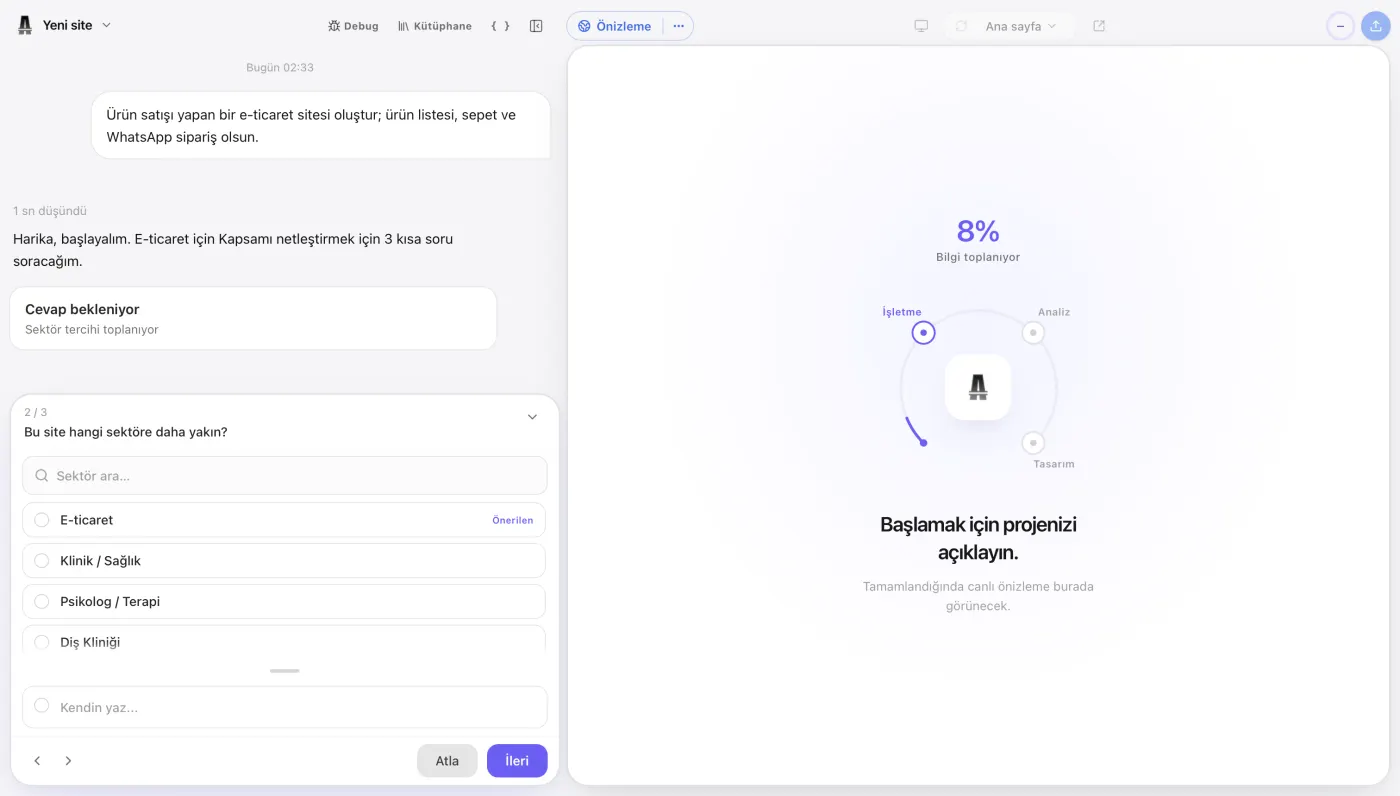
With Atalay Website, your site is built in the atalay.ai chat by talking to Emre, an AI employee; you do not need to know technical terminology. See How to Build a Website with Atalay AI for a step-by-step explanation of how to use these prompts in practice.
You can describe your business in everyday language.
Example:
I have a Pilates studio in Ataşehir. We offer reformer Pilates, private lessons, and prenatal Pilates. I want a bright, premium website designed for women. Visitors should be able to book a free trial class through WhatsApp.
Build a site with this prompt
Emre can use this description to generate an initial website.
Step by step
- Open atalay.ai.
- Describe your business to Emre in the chat.
- Review the generated website.
- Edit the headlines and copy.
- Upload your real images.
- Add your phone and WhatsApp information.
- Test the mobile appearance.
- Publish your website.
Ideal starting prompt for Atalay AI
Create a modern website for a premium Pilates studio serving customers in Ataşehir, Istanbul.

We offer reformer Pilates, private lessons, prenatal Pilates, and posture analysis.

Our target audience is women aged 25–45.

The homepage should include:
- A strong main headline
- Services
- Instructors
- Studio photos
- Customer reviews
- Frequently asked questions
- A WhatsApp contact section

Use white, light beige, and soft green for a bright and premium appearance.

The main button should say “Book a Free Trial Class” and lead to WhatsApp.
Choose one of the ready-made prompts and adapt it to your business. Tell Emre what you need and your website is prepared in the chat. Try it free for 30 days; setup is free.
Website Prompt Checklist
Review the following items before submitting your prompt.
Business
- I included the business name.
- I defined the business type.
- I added the service location.
- I defined the target customer.
- I listed the main services.
- I explained what makes the business different.
Design
- I defined the brand personality.
- I described the design style.
- I specified the primary colors.
- I listed styles that should not be used.
- I requested a responsive design.
Content
- I listed the required pages.
- I defined the homepage sections.
- I included the primary CTA.
- I specified the contact method.
- I instructed the AI not to invent information.
Before publishing
- I will verify the information written by the AI.
- I will add authentic photos.
- I will check the phone number and address.
- I will test the forms.
- I will review the mobile appearance.
- I will edit the SEO titles.
Frequently Asked Questions
What is a website prompt?
A website prompt is a written instruction that tells an AI system what kind of website you want it to create. It may include the business type, services, target audience, design direction, and CTA.
What should I write to ask AI to build a website?
Describe what your business does, where it operates, who its target customers are, which services it offers, the design style you want, and the action visitors should take.
How do you write a good website prompt?
A good prompt is clear, concrete, and contextual. It should define the business type, location, target audience, services, pages, colors, and primary CTA.
How long should a website prompt be?
There is no single ideal length. A few sentences may be enough for a simple website. A detailed prompt of 100–300 words may produce better results for a more specific design.
Can I write the prompt in Turkish?
Yes. On Turkish-focused platforms such as Atalay AI, you can describe your business in natural Turkish.
Does AI create the entire website?
AI can create the first draft. However, the user still needs to verify real business information, images, customer reviews, contact details, SEO settings, and the mobile experience.
Does the same prompt produce the same result in every tool?
No. Each AI website builder uses a different design system, model, and component library, so the results may vary.
What should I do when the first result is not good?
Add more information, change the design direction, or write separate editing prompts for specific sections.
Can I show a competitor's website to the AI?
Some tools can analyze screenshots or URLs. You can request inspiration from a competitor, but the website should not be copied exactly.
Which information should I prepare for a website?
Prepare the business name, services, location, target audience, phone number, address, logo, photos, customer reviews, opening hours, and primary conversion goal.
What should I include in a restaurant website prompt?
Include the restaurant type, location, menu categories, target customer, atmosphere, reservation method, opening hours, and desired design style.
What should an e-commerce prompt include?
Include product categories, target customers, brand style, homepage sections, product details, campaigns, payment requirements, and the primary CTA.
What should a portfolio prompt include?
Include the profession, areas of expertise, project types, design style, portfolio categories, an about section, and a contact CTA.
How do you write a SaaS website prompt?
Define the problem the product solves, target users, core features, product screens, pricing, social proof, and the free-trial CTA.
Should mobile responsiveness be included in the prompt?
Yes. You can define how the menu, headline, cards, forms, and CTAs should behave on mobile devices.
Can I write a separate prompt for SEO?
Yes. You can ask the AI to create a title, meta description, URL, heading structure, and alt text for every page.
Can AI write customer reviews?
It can technically generate them, but fake customer reviews should never be published. Use only genuine and verifiable reviews.
Should AI-generated copy be published without editing?
No. Review all copy for accuracy, originality, brand tone, and legal compliance before publishing it.
Is one prompt or a sequence of prompts better?
Use a comprehensive prompt for the initial website, followed by short and focused prompts for later edits. This approach generally provides more control.
Which prompts can I use in Atalay AI?
You can use natural-language prompts for business websites, restaurants, cafes, beauty salons, clinics, workshops, shops, and service websites.
Can I edit the website with prompts after creating it?
Depending on the platform's features, you may be able to edit headlines, colors, sections, pages, and content through prompts.
Conclusion
The first step in creating a professional website with AI is writing the right prompt.
A good prompt clearly explains:
- What the business does,
- Who it serves,
- Which products or services it offers,
- How it should look,
- Which pages are required,
- Which action visitors should take.
You can use the following formula when writing your prompt:
Business + location + target audience + services + design style + pages + CTA
Example:
Create a modern website for a premium beauty salon serving customers in Ataşehir, Istanbul. We offer skincare, laser hair removal, and permanent makeup. Our target audience is women aged 25–45. The homepage should include services, campaigns, salon photos, the team, customer reviews, and a WhatsApp contact section. Use white, beige, and light pink. The main button should say “Get a Free Consultation.”
Build a site with this prompt
Your first prompt does not have to be perfect.
The best result usually comes from the following process:
- Create the initial website.
- Edit the page structure.
- Adapt the copy to your business.
- Add authentic images.
- Clarify the CTAs.
- Improve the mobile experience.
- Complete the SEO settings.
- Test the forms and links.
- Publish the website.
- Improve it based on feedback from real users.
AI removes the blank-page problem from the website creation process.
However, you are still the person who knows your business and customers best.
The strongest website combines the speed of AI with your business's real information, experience, and brand character.
Copy one of the prompts on this page. Adapt it to your business and send it to Emre in the atalay.ai chat; Atalay Website builds your site. Try it free for 30 days.
 Atalay AI vs Wix vs Framer vs Lovable (2026 Comparison)
 12 Best AI Website Builders in 2026: A Detailed Comparison
 How to Build a Website for Free with AI: 2026 Guide